A website relaunch feels like moving house. New address, fresh design, everything tidied up - and then you're faced with empty boxes and wonder why suddenly no one can find the doorbell. Google feels the same way: if you don't hand over cleanly after a relaunch, you lose rankings that have cost you years. Here is an overview of what you need to do to ensure that Google notices your move smoothly.
The most common relaunch mistake
New URLs, old problem. Anyone who simply gets started after a relaunch without
301 redirects to set up, gives away years of built up
Linkjuice - This is the SEO value that external links transfer to your pages. Without redirection, this value ends up in nothing. Google sees the old URL as dead and the new one as unknown. Not a good start.
A
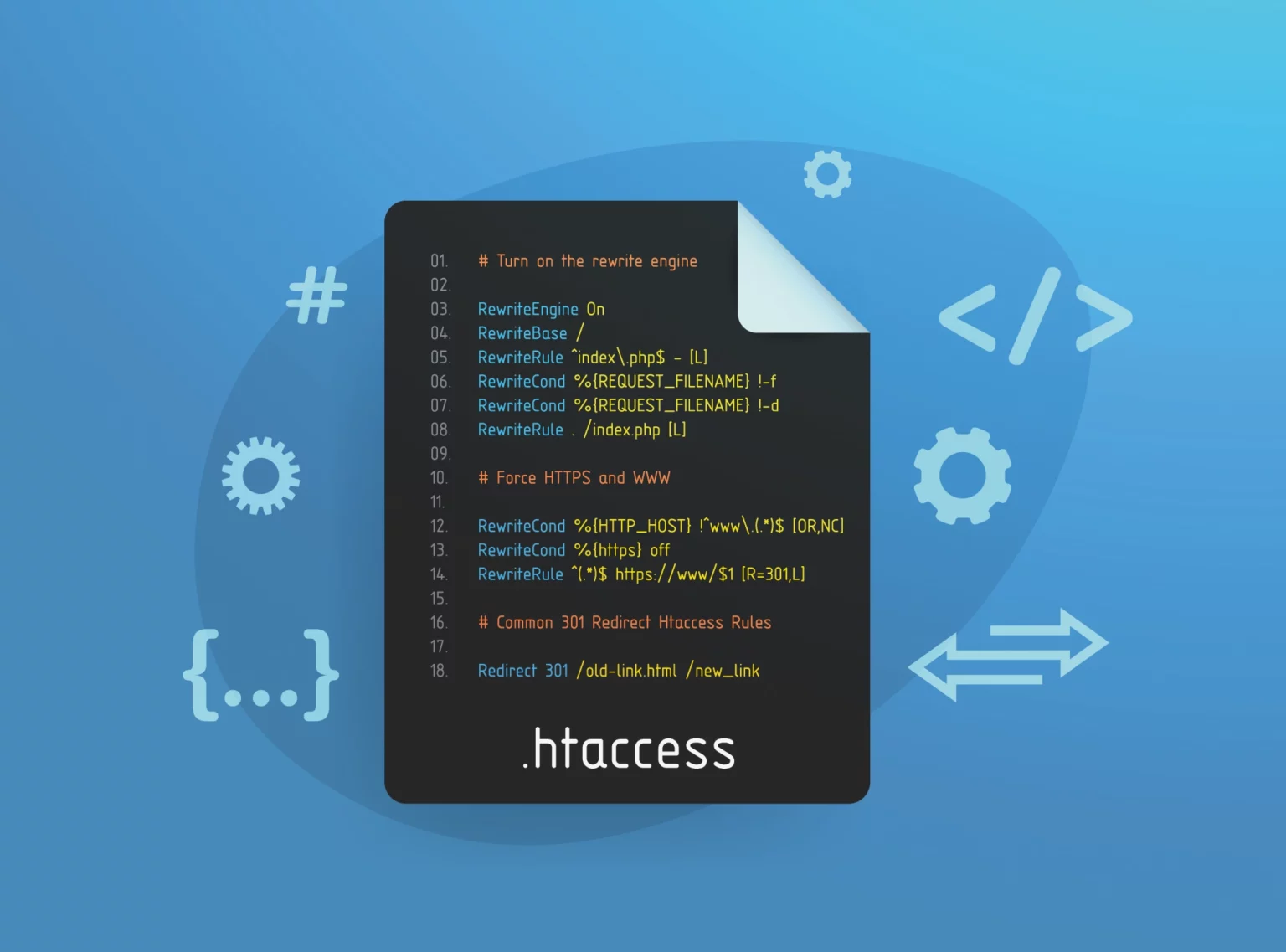
301 forwarding signals search engines: This page has moved permanently. The entire SEO value is transferred to the new URL. Before the relaunch, a complete list of all old URLs and their new equivalents should therefore be created - and every single redirect set up on the server.
What many forget: Pictures
Images that rank well in Google Image Search or are frequently linked to via their direct URL lose their value if they simply disappear. For image URLs, too, the
301 forwarding to the new path structure. Sounds small - but it makes a difference, especially for content-heavy pages.
Google Search Console: mandatory, not optional
After the relaunch, Google needs to know the new structure. Therefore there is the
Google Search Console. Two measures are central to this: Firstly, the updated
Sitemap It contains all the new URLs and helps Google to systematically recognize the page.
crawl. Secondly, the
URL Inspection Tool to manually trigger important pages for indexing. Google has now removed the „URL change report“ that was previously used.
discontinued - the
URL Inspection Tool is the current path.
Before the relaunch: SEO audit is not a luxury
If you don't know which pages are currently ranking well, you risk changing or deleting them in the relaunch. A
SEO audit before the start shows which URLs, contents and
Backlinks are worth preserving. This is not a task of diligence - this is damage prevention.
To the
Content migration also includes: All pages with relevant
Backlinks or good rankings must be transferred in full in terms of content. Missing content after the relaunch is a common reason for sudden ranking losses.
Internal linking and technical basis
The
internal linking must be adapted to the new URL structure. References to old URLs that are now redirected are not fatal - but every unnecessary redirect chain costs
Crawling budget and loading time. Direct links to the new URLs are cleaner.
Technically, the following applies after the relaunch:
Loading times check,
mobile optimization ensure and
Schema markup correctly. Since the
Core Web Vitals flow
User experience signals directly into the ranking. A slow site will not be treated graciously after a relaunch.
Monitoring from day 1
Google Analytics and the
Google Search Console should be actively monitored immediately after the go-live. Ranking losses,
Crawl error or missing indexing often become apparent within the first two to four weeks. Those who react early limit the damage. If you wait, you will explain the crash later.
And yes: External partners who link to your site should be informed about changed URLs - so that they can update their links. That sounds like extra work. And it is. But a lost strong
Backlink hurts more.
FAQs on website relaunch and SEO
Does a website relaunch automatically cause you to lose rankings?
Not automatically - but without clean
301 redirects and an updated
Sitemap a temporary loss of ranking is likely. With the right preparation, this can be kept to a minimum.
What is a 301 redirect and why is it important for a relaunch?
One
301 forwarding tells Google that a URL has moved permanently. The entire
Link Juice - i.e. the SEO value of external links - is transferred to the new URL. Without it, the old page is considered deleted.
Do I have to resubmit the sitemap after a relaunch?
Yes, the updated
Sitemap with all new URLs should be added directly after the launch in the
Google Search Console so that Google can systematically implement the new structure.
crawl can.
How long does it take for Google to fully process the relaunch?
This depends on the page size and the
Crawling budget from. Smaller sites can be fully re-indexed within days, larger domains take several weeks. Monitoring via the
Google Search Console shows the progress.
What happens to images during the relaunch?
Images that rank in Google Image Search or are linked to via their URL should also be linked via
301 forwarding be redirected to the new image URLs - otherwise they will lose their SEO value and their findability in the image search.